What the car already knows
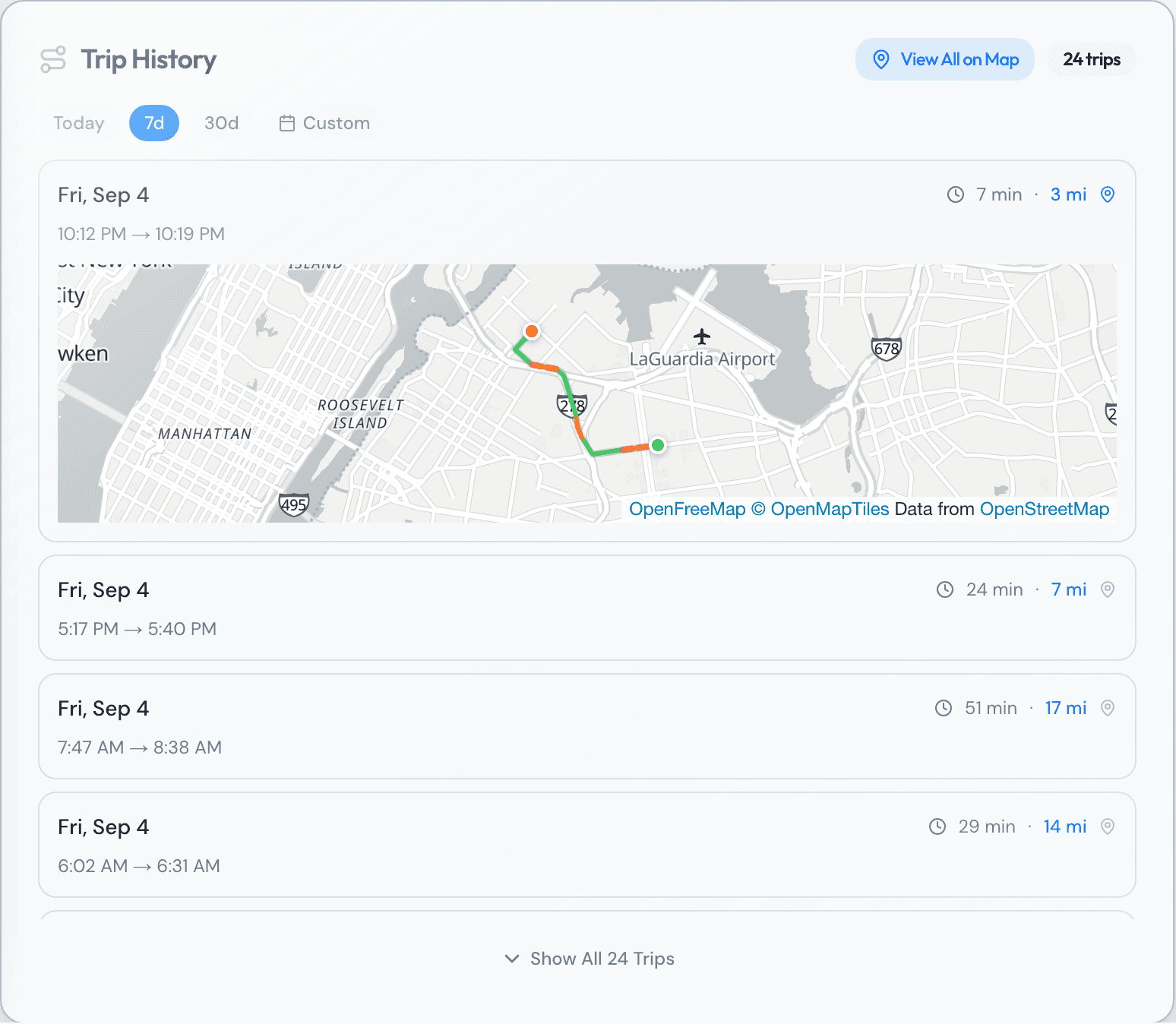
A Tesla doesn't need a plug-in tracker the way another car does. It already has a cellular connection built in, reporting its own location and trip data without any extra hardware installed. That's a different starting point than a gas car with nothing but an odometer: the location history and the trip log already exist from the day the car is delivered.
What changes is how much of that data is available, and to whom. The car's own screen and the owner's Tesla app always show it. Getting that same data into anything else, a fleet's own records or another piece of software, runs through a specific, documented channel rather than an assumption that it's simply there for the taking.
A non-Tesla car needs a plug-in tracker with its own cellular connection to do any of this, a separate piece of hardware reporting independently of the car itself. A Tesla skips that step because the same reporting is already built into the car by the manufacturer. The trip log, the location history, and the ability to act on either one exist without anything extra fitted under the dash.
Connectivity you pay for
Tesla splits vehicle connectivity into two tiers. Standard Connectivity comes with the car at no extra cost for eight years from delivery, and covers most features over wifi, along with basic maps, navigation, and music streaming over Bluetooth. Premium Connectivity is a paid add-on that extends those features over cellular instead of only wifi, adding things like live traffic visualization, satellite-view maps, and music or video streaming on the move.
The line between the two matters less than it might sound for a fleet's own purposes. Tesla's own support page notes that core navigation functionality, including traffic-based routing, Trip Planner, and Supercharger stall availability, comes with Standard Connectivity either way. Premium buys a more connected experience for whoever's in the driver's seat, not a different set of location or trip data for the owner.
Where third-party access actually comes from
Any outside software that reads a Tesla's location, pulls its trip history, or sends it a command does that through Tesla's own Fleet API, described on Tesla's developer site as a data and command service for Tesla vehicles. It isn't a side channel or a workaround. A third-party application has to be registered with Tesla, request specific scopes such as vehicle location or vehicle data, and get the vehicle owner's explicit permission through Tesla's own consent screen before it can see anything.
That permission isn't permanent by default. An owner can see which applications have access and revoke it at any time, much like permissions on a phone. For a fleet running Teslas, that means the car's data reaches fleet software because the owner allowed it to, through Tesla's own front door, not because anyone found a way around Tesla's systems.
That matters more for a fleet than it might for a single owner, since the account granting access is usually the fleet's, not the driver's. Whoever holds that Tesla account is the one deciding which software gets to see the car's location and trip history, and that decision is worth treating with the same care as any other password that controls where a fleet's data goes.
Charging fits into the same picture
Running a Tesla in a rental fleet means building charging into the schedule the same way fueling gets built into a gas car's schedule, just on different terms. It takes longer than a fill-up, and where it happens, a Supercharger, a depot, or wherever a driver finds a plug, shapes how much of a shift is actually available for driving.
Standard Connectivity already includes the tools for that. Trip Planner and Supercharger stall availability are part of the free tier, not something a fleet has to add Premium Connectivity just to see. Whatever else a Tesla brings to a fleet, working out how and where it charges is worth doing before the car goes into rotation, not after a driver calls in to say they're low on charge with no plan for the next stretch of the shift.
Questions fleets ask
- Does a Tesla need a plug-in tracker like other cars?
- No. Its built-in cellular connection already reports location and trip data, the same job a plug-in tracker does in a car that doesn't have one.
- What does Premium Connectivity actually add?
- Cellular access to features that Standard Connectivity only gets over wifi, including music and video streaming, live traffic visualization, and satellite-view maps. Core navigation, including traffic-based routing and Supercharger stall availability, comes with Standard Connectivity either way.
- Can any app read a Tesla's location without the owner agreeing to it?
- No. Tesla's Fleet API requires the owner to grant a specific app access through Tesla's own permission screen, scoped to what that app asked for, and the owner can change or remove that access at any time.
- Does charging change how a Tesla fits into a weekly rental rotation?
- It has to be scheduled the way fueling does, just on a different rhythm. Trip Planner and Supercharger stall availability are part of Standard Connectivity, so a driver can plan around it without paying for anything extra.
Sources
Built and used every day by a working NYC TLC fleet.