Guide
E-ZPass tolls for TLC fleets: who pays, and how to bill them to the driver
7 min read
Tolls
Connect the fleet's E-ZPass Business account. Every crossing matches to the driver who had the car, gets checked against the car's own GPS, and lands on the next weekly invoice.
4,114
tolls billed to the drivers who crossed
2,404
crossings verified against the car's own GPS
Counted from the fleets on FleetAi, refreshed hourly.
Step 1
FleetAi reads the E-ZPass Business account on a schedule. Tag reads and the later plate reads both arrive, with plaza, time, and amount.
Step 2
Each driver's start and end dates on each car are already on file, so a crossing matches to whoever had the car at that minute, even weeks later.
Step 3
The car's GPS trail is checked against the plaza. Verified tolls post to the driver's next weekly invoice as their own lines; exceptions wait for a look.
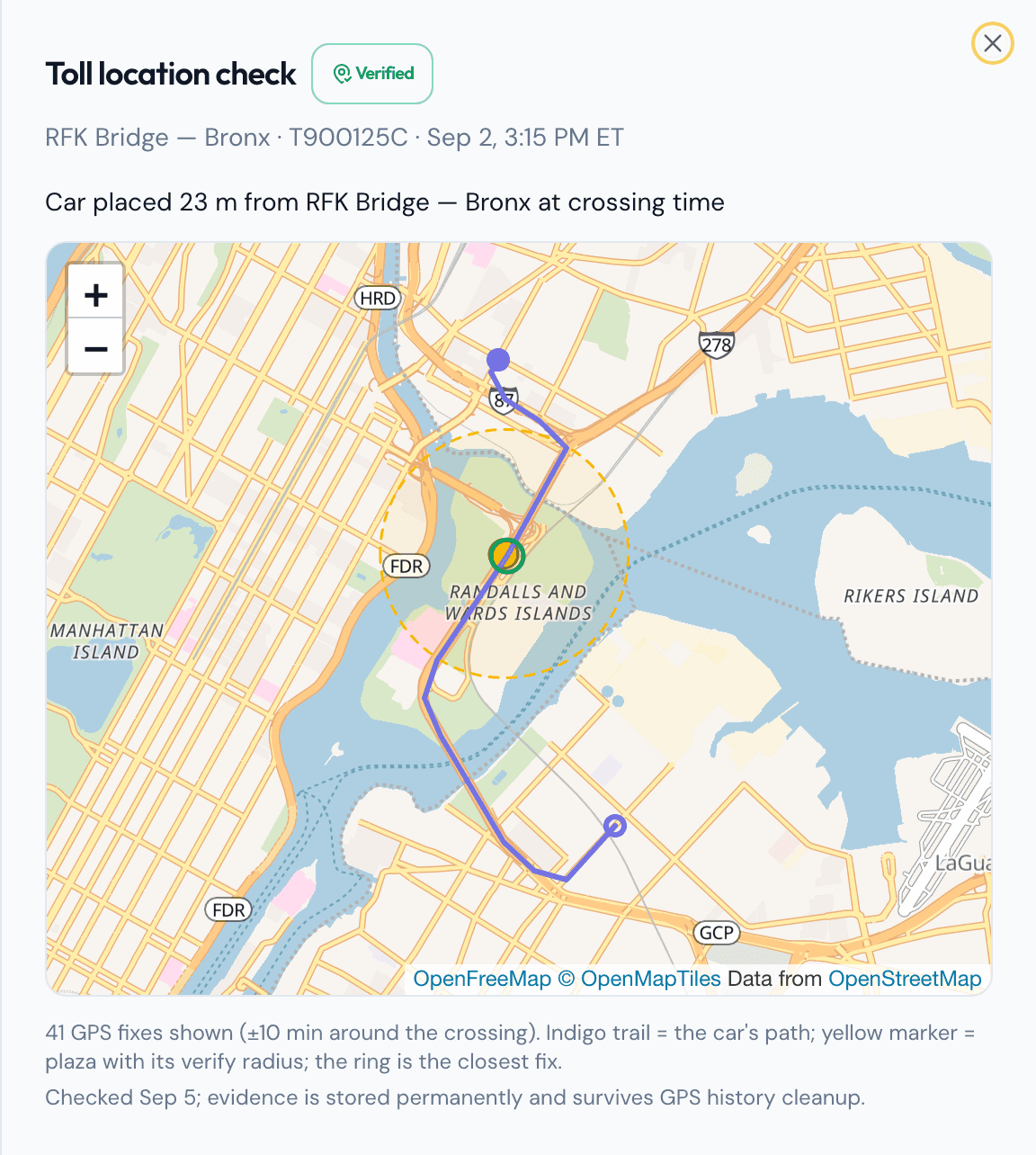
Recovery rate, a hotspot map, and a searchable ledger of every crossing live on the Tolls page.
From the blog. Written for fleet owners, not for software.
Tell us about yours: how many cars, how you collect rent, which E-ZPass and ticket accounts you hold. We bring the data in with you and hand you a running fleet.
Also on this site: Rent collection · Tickets and summonses · Tracker and enforcement · Messages and calls